
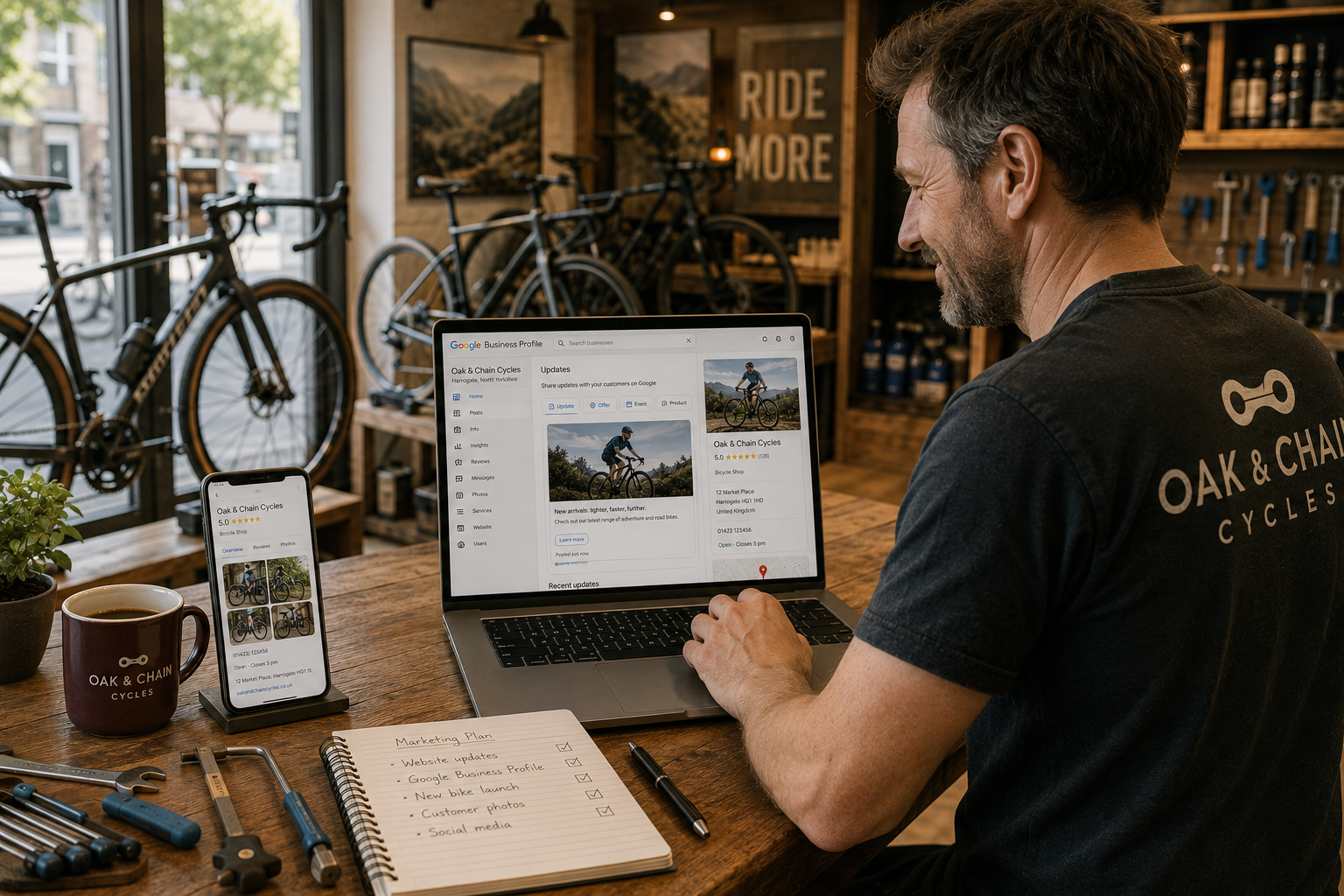
Creating a Google Business Profile is an important first step, but the businesses that gain the greatest benefit don't stop there.
An optimised profile helps customers find accurate information, builds confidence before they visit your website and gives Google stronger signals about your business.
Fortunately, improving your profile doesn't require technical expertise—just a little consistency.
Key Takeaway
Small improvements made regularly are far more effective than creating a profile once and never looking at it again.
Complete Every Section
Google gives you the opportunity to tell customers about your business.
Take advantage of it.
Ensure your profile includes:
- Business description
- Services
- Opening hours
- Contact details
- Website link
- Service areas where appropriate
- Business categories
A complete profile gives customers fewer reasons to look elsewhere.
Add High-Quality Photographs
People like to see the businesses they're considering.
Regularly uploading authentic photographs helps customers understand what to expect.
Consider including:
- Your premises
- Completed projects
- Products
- Team members
- Behind-the-scenes moments
Fresh photography also demonstrates that your business is active.
Encourage Genuine Reviews
Reviews remain one of the strongest trust signals available.
Rather than asking everyone at once, encourage satisfied customers to leave honest feedback as part of your normal customer journey.
Consistency is more valuable than volume.
Keep Information Accurate
Business details change over time.
Review your profile regularly to ensure:
- Opening hours are correct.
- Contact details remain current.
- Website links work properly.
- Services reflect what you currently offer.
Small inaccuracies can easily create unnecessary frustration for customers.
Publish Updates
Google Business Profiles allow businesses to share updates.
These might include:
- Recent projects.
- Seasonal announcements.
- Helpful advice.
- New services.
- Community involvement.
Regular updates show that your business continues to evolve.
Quick Checklist
✓ Complete every available section.
✓ Upload new photographs regularly.
✓ Respond to customer reviews.
✓ Review business information each month.
✓ Publish occasional updates.
✓ Check your website link works correctly.
Common Mistakes
Businesses often miss opportunities by:
- Uploading only a logo.
- Forgetting to refresh photographs.
- Leaving outdated contact information.
- Ignoring customer engagement.
- Treating the profile as a one-time task.
Google rewards businesses that continue maintaining accurate information.
Final Thoughts
A Google Business Profile should grow alongside your business.
The small improvements you make today help future customers discover you, trust you and feel confident about making contact.
Like your website, it's an ongoing investment rather than a one-off project.