
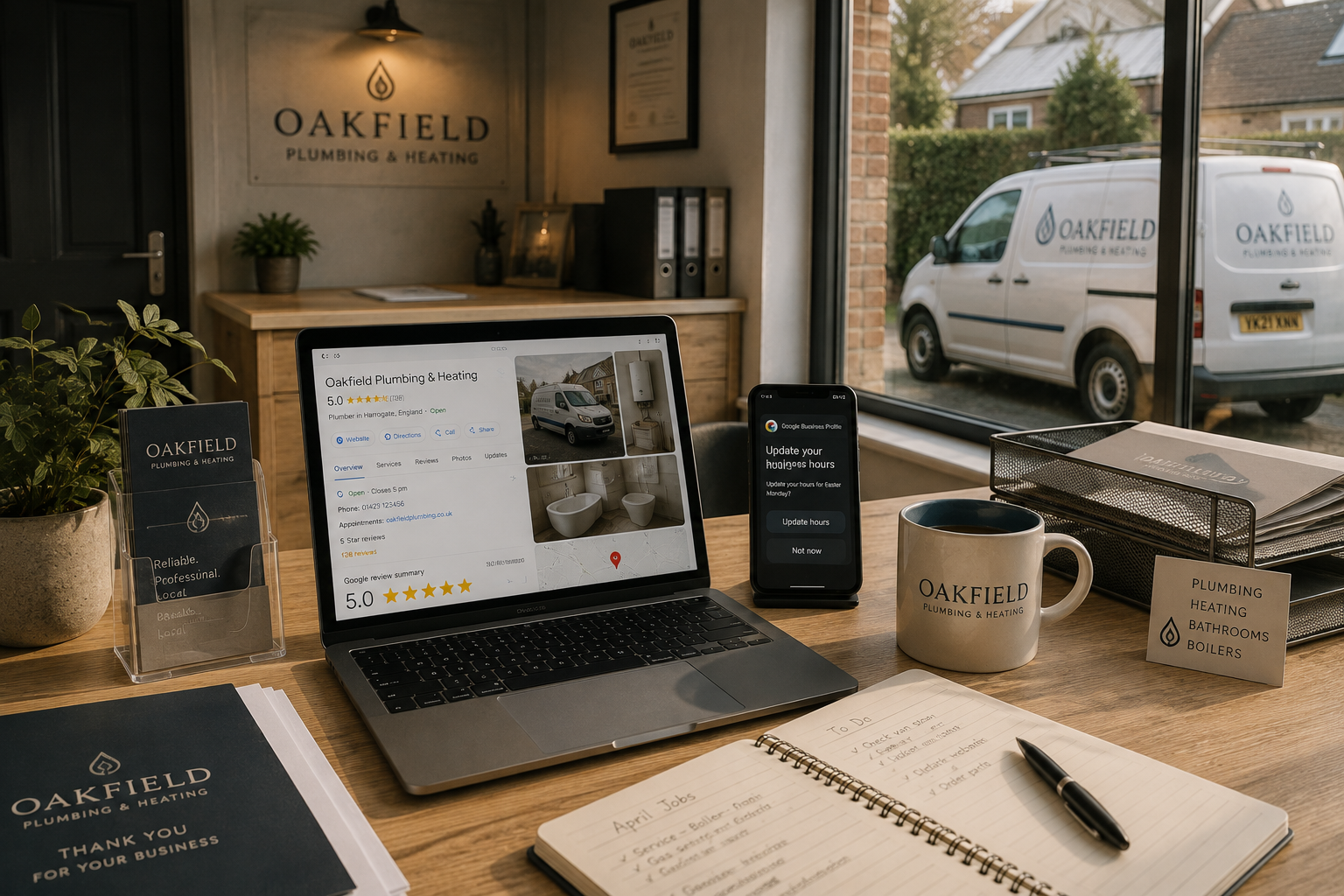
Creating a Google Business Profile is an excellent first step, but simply claiming your listing isn't enough.
Many businesses unknowingly make small mistakes that reduce trust, limit visibility and discourage potential customers from making contact.
The good news is that most of these issues are easy to fix.
Key Takeaway
A complete, accurate and regularly maintained Google Business Profile builds confidence with customers and gives Google stronger signals that your business is active and trustworthy.
1. Leaving Your Profile Incomplete
One of the most common mistakes is leaving important sections blank.
Customers expect to see:
- Opening hours
- Contact details
- Website
- Services
- Business description
- High-quality photographs
The more complete your profile, the easier it is for customers to choose your business with confidence.
2. Using Poor Quality Photographs
Photos often create a customer's first impression.
Dark, blurry or outdated images can make an otherwise excellent business appear less professional.
Instead, upload bright, authentic photographs that genuinely represent your business, your team and the quality of your work.
3. Ignoring Customer Reviews
Reviews aren't simply there to collect.
They deserve a response.
Thank customers for positive feedback and reply politely to any concerns.
Thoughtful responses show that you value your customers and care about your reputation.
4. Forgetting to Update Your Information
Businesses change.
Opening hours change.
Services expand.
Phone numbers are replaced.
An outdated profile creates confusion and may cause customers to lose confidence before they've even contacted you.
5. Setting It Up and Forgetting About It
Perhaps the biggest mistake of all is assuming the job is finished.
Google Business Profiles work best when they remain active.
Adding new photographs, updating services and publishing occasional posts all demonstrate that your business continues to grow.
Quick Checklist
✓ Complete every section of your profile.
✓ Upload professional, authentic photographs.
✓ Respond to every review.
✓ Keep your details accurate.
✓ Update your profile regularly.
Common Mistakes
Businesses often lose opportunities because they:
- Leave outdated opening hours.
- Upload only a logo.
- Ignore reviews.
- Never add new photographs.
- Forget to review their profile after making business changes.
Small improvements can make a surprisingly large difference to customer confidence.
Final Thoughts
Your Google Business Profile is often the first interaction someone has with your business.
Taking a few minutes each month to review and improve it helps ensure that first impression remains accurate, professional and welcoming.
The businesses that benefit most from Google are rarely those that simply create a profile—they're the ones that continue looking after it.